Playing Minecraft Java Edition usually means sitting at a Windows, macOS or Linux computer. Android users have a different challenge. The official mobile version of Minecraft is Bedrock Edition, so people who want Java Edition features, Java servers or certain mods need another way to run the game on a phone or tablet. This is where the Zalith Launcher APK attracts attention.
It is designed for Android users who want to launch Minecraft Java Edition on compatible mobile hardware. That sounds simple, but running a desktop-focused game on a phone involves more than installing an ordinary Android game.
Before using a Java launcher on Android, it helps to understand what the launcher actually does, what your phone needs and why performance can vary significantly between devices.
Why Android Players Look for Java Launchers
Minecraft Bedrock Edition already works well on Android, so why would someone want Java Edition instead? The main reason is compatibility with the wider Java ecosystem. Minecraft Java has its own servers, mod loaders, resource packs, versions and community tools. A player might have friends using a Java server that cannot be joined directly from Bedrock Edition.
Someone else may want to use a Java-only mod or play an older Minecraft release. A launcher provides the environment needed to start those Java game files on Android.
That does not turn a smartphone into a gaming PC. The phone still has limited memory, thermal capacity and processing power. The launcher simply makes it possible for compatible devices to attempt something Android was not originally designed to do.
What Zalith Launcher APK Actually Handles
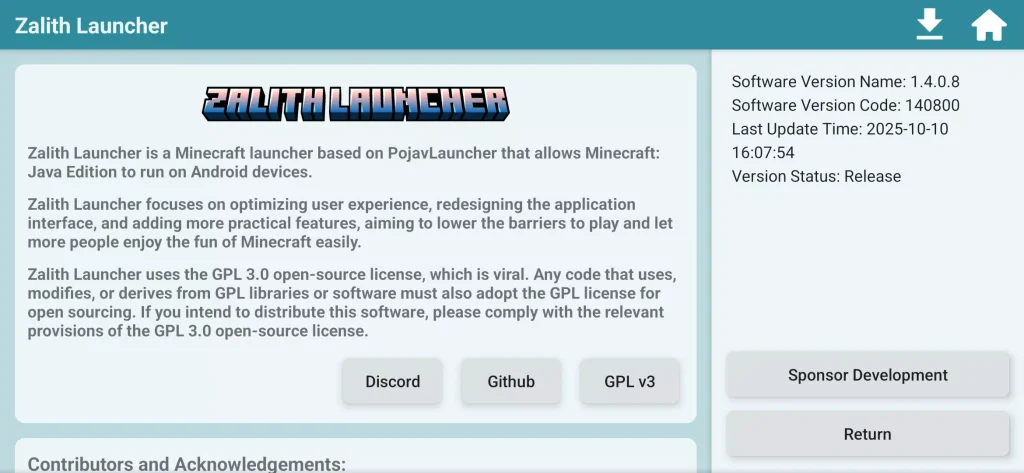
A useful way to understand Zalith Launcher is to think of it as a bridge between Android and Minecraft Java. Instead of behaving like a normal mobile game downloaded from an app store, the launcher helps manage the files and runtime components needed for Minecraft Java Edition.
Depending on the version and configuration available to the user, this may involve game versions, Java runtimes, accounts, libraries and graphical settings. The important distinction is that the launcher and Minecraft itself are not the same product.
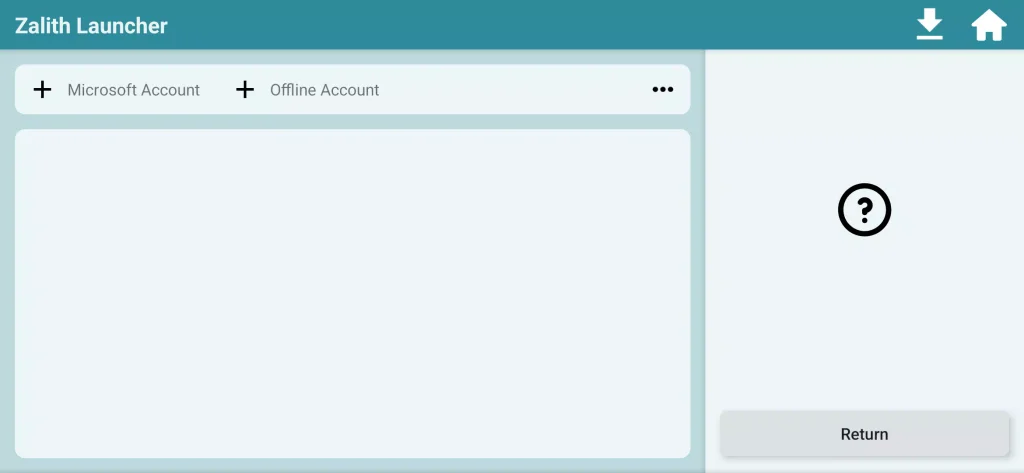
Installing a launcher does not automatically give someone ownership of Minecraft. Users should still follow Microsoft’s and Mojang’s account, licensing and authentication requirements when accessing the game. This distinction is easy for beginners to miss when downloading third-party launchers.
The Real Question: Will It Run Well on Your Phone?
Installation is only half of the story. Performance is where users usually notice the biggest differences. Minecraft Java was developed primarily for desktop computers. Android phones use different processors, graphics hardware and operating systems. A device may successfully launch the game while still struggling to maintain comfortable performance. Several factors matter.
RAM Available to the Game
More RAM can help with demanding versions and mods, but allocating too much memory is not automatically better. Android itself needs memory for the operating system and background services. Giving nearly all available memory to Minecraft can cause instability rather than improving performance.
A sensible configuration leaves enough resources for Android while providing Minecraft with enough memory for the selected version.
Processor and Graphics Compatibility
Two phones with the same amount of RAM can deliver very different results. The chipset, GPU architecture, drivers and rendering method can affect frame rate, visual problems and whether a particular Minecraft version launches correctly. Lower-end hardware may be better suited to lighter game versions and modest settings.
Game Version
Newer Minecraft releases can demand more processing power and memory than older releases. Someone using an entry-level phone should not assume that the newest version will provide the best experience. Choosing a lighter version can sometimes make more sense than trying to force demanding settings onto limited hardware.
Controls Need Some Adjustment
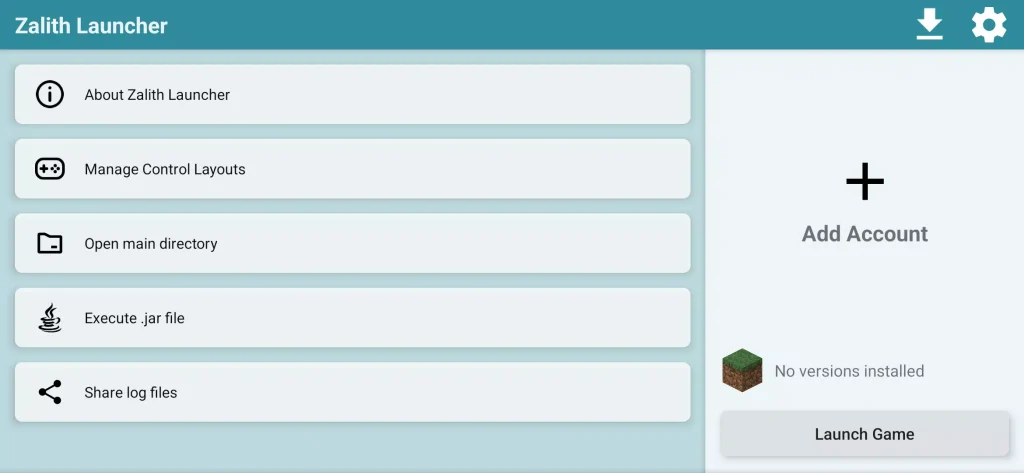
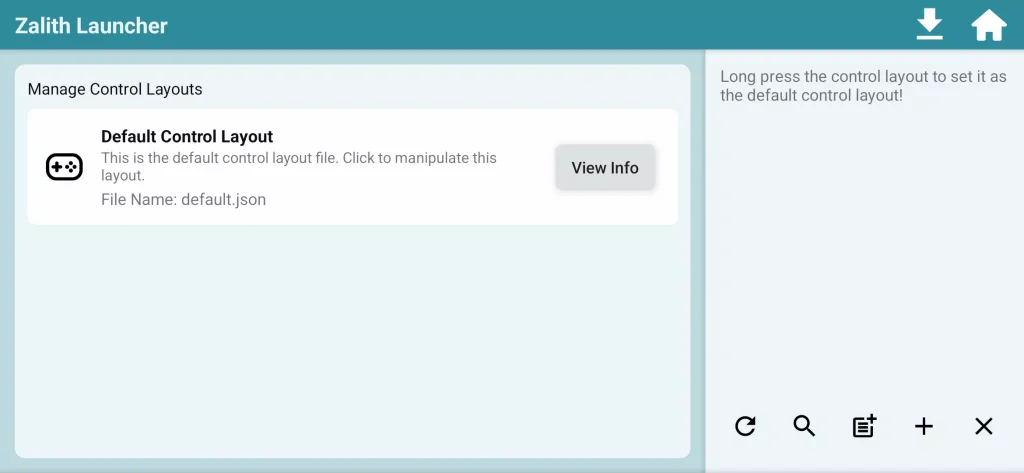
Desktop Minecraft expects a keyboard and mouse. A smartphone gives you a touchscreen. That difference changes the experience considerably. Mobile Java launchers generally need on-screen controls that represent actions such as movement, jumping, inventory access and mouse clicks. Players may need time to arrange these controls in positions that feel comfortable.
A typical survival session illustrates the problem. Walking around with virtual controls may feel fine, but quickly switching inventory slots while fighting a hostile mob can be much harder on a small screen.
Players interested in long sessions may prefer connecting a physical keyboard, mouse or compatible controller when their device and launcher setup support it.
Mods Are Possible, but Compatibility Matters
One major reason people search for Minecraft Java on Android is modding. Java Edition has a huge modding community, but the word “mod support” should not be interpreted as “every Minecraft mod will run on every phone.”
Mods may depend on specific Minecraft versions, Java versions, mod loaders, graphics functions or additional libraries. Some were created with desktop hardware in mind and can be too demanding for mobile devices.
A safer approach is to start small. Install the base game first and confirm that it runs correctly. After that, add the required mod loader and test a small number of mods at a time. If twenty modifications are installed at once and the game crashes, finding the actual cause becomes much harder. This simple testing method saves a surprising amount of troubleshooting.
Common Mistakes That Cause Problems
Many launcher problems are not caused by the launcher itself. They come from an unsuitable configuration. Users often increase render distance because they want better-looking landscapes, install heavy shader packs or assign excessive memory before checking what their phone can realistically handle. These changes can increase heat, battery consumption and crashes.
Another mistake is downloading APK files from random websites. Third-party Android applications should come from the project’s official distribution channel whenever possible. Modified APKs uploaded to unrelated download sites can contain unwanted changes or malicious code.
Users should also check whether an update came from the actual project rather than trusting a website simply because it uses words such as “official”, “latest” or “premium.”
Is Zalith Launcher Suitable for Beginners?
It can be, provided the user is comfortable adjusting settings and troubleshooting occasional compatibility problems. Someone expecting the simplicity of installing a standard Android game may find the process confusing at first. Java versions, runtime settings, renderer choices and memory allocation introduce decisions that ordinary mobile games usually handle automatically.
Beginners should avoid changing many settings immediately. Start with a basic configuration, launch an unmodified game and make one adjustment at a time. That approach gives you a clear baseline. If performance becomes worse after a change, you know what probably caused it.
A Few Checks Before You Install
Before choosing the Zalith Launcher App, consider what you are actually trying to achieve. Check whether your Minecraft account is suitable for Java Edition access. Confirm that your Android device has enough free storage and reasonable hardware for the Minecraft version you plan to use.
Look at the project’s official installation instructions and supported configurations rather than relying entirely on third-party tutorials. It is also worth deciding whether Java Edition is genuinely necessary.
If your friends play Bedrock, you mainly use Minecraft Marketplace content and you want the easiest touchscreen setup, the official Android edition may fit your needs better. If your reason is a Java server, specific modding environment or Java-only feature, using a launcher makes much more sense. You can also download Meta Glasses APK.
The Best Approach Is to Start Simple
Running Minecraft Java on Android is an interesting option for players who want more flexibility than the standard mobile edition provides. Zalith Launcher APK is aimed at making that type of setup possible, but the quality of the experience still depends heavily on the phone, Minecraft version and configuration being used.
Start with the game itself before experimenting with large modpacks, shaders or aggressive graphics settings. Use legitimate game access, obtain launcher files from trusted project sources and change performance settings gradually.
With realistic expectations, an Android Java launcher can be a practical way to access parts of the Minecraft Java ecosystem without always needing a traditional computer.


![SD Movies Point APK Download [Latest Version] 2026](https://apkpure.co.in/wp-content/uploads/2023/12/SD-Movies-Point-icon-96x96.webp)



